for a lot of ADHD brains the problem with capture isn't getting the thought down. a voice memo takes two seconds. the problem is everything after: the memo you never relisten to, the note you can't find, the reminder that never got made because the task was buried in the middle of a ramble.
a voice capture app for ADHD has to close the gap at both ends. fast enough that the thought survives the trip out of your head, and organized enough that you can find it again without doing the organizing yourself.
the gap is where the task gets lost
you're walking out of a meeting and three things arrive at once: email the client, book the vet, that idea for the newsletter. you have maybe ten seconds before the next thing pushes them out.
every step between the thought and the capture is a chance to lose it. unlock the phone, find the app, pick a list, type it properly. by step three, the vet is gone. this is why "just write it down" undersells the problem: it assumes the thought survives the walk to the notebook.
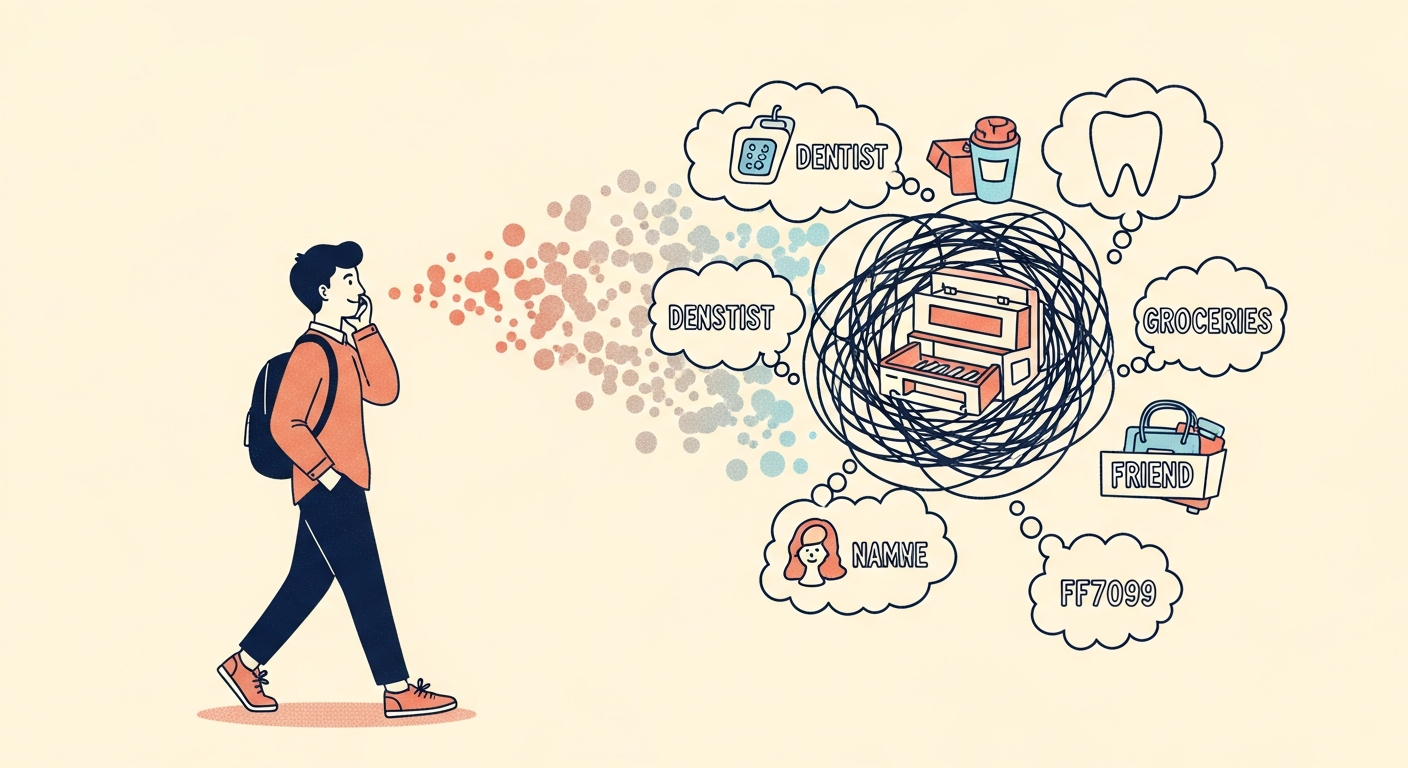
why voice notes become a black hole
voice memos fix the speed problem and create a new one. the information is now trapped in audio.
- finding anything means relistening. a two-minute ramble with one appointment in it costs two minutes every time you need the appointment.
- file names are useless. "New Recording 47" tells you nothing, and renaming every memo the moment you record it is exactly the kind of small, consistent effort ADHD makes hardest.
- nothing turns into action. a memo that says "call the vet" doesn't remind you to call the vet. you still have to relisten and make the reminder by hand, which mostly doesn't happen.
so the memos pile up. you know the thing is "in there somewhere." past a few dozen recordings, every one of them sounds equally likely.
the workarounds that don't quite work
- transcribing afterward. you relisten and type it all out, which defeats the point of quick capture and adds a chore most people never get to.
- one memo per thought. cleaner, but now you're sorting at capture time again, the step you were trying to skip.
- texting yourself. fast, and your messages become an unsearchable mix of real texts and notes to self.
- Siri reminders. good for one clean command. not built for the paragraph where a task, a date and a stray idea are tangled together.
all of them add a step between capturing and finding, and that step is where the system quietly falls apart.
what a voice capture app for ADHD should do
- open to capture in one gesture, from anywhere, without hunting for an app.
- take the messy version. rambling, out of order, mid-sentence corrections and all.
- split one ramble into its pieces. the reminder, the event and the note inside a single breath shouldn't need three separate captures.
- put each piece where you already look, not in yet another inbox.
- let you find it later in your own words, without relistening.
- keep audio private. a thought said out loud is often a private thought.
how Enkily does it
getting in fast. Enkily has a Home Screen and Lock Screen widget, a Capture button for Control Center on iOS 18 and later, an Action Button shortcut ("Capture a Thought") on iPhones that have the button, and Siri: "Hey Siri, capture in Enkily." each one opens straight to a listening mic.
saying it. you talk in whatever order the thoughts come out:
"email the client the revised quote, book the vet for next week, pick up dog food, and i had an idea for the newsletter, lead with the before and after photo."
sorting it. Enkily turns that into a reminder to email the client, a reminder to book the vet, dog food as a grocery item, and the newsletter idea kept as a note, because it isn't a task. reminders and groceries go to Apple Reminders (you choose which list each kind lands in), and anything with a time goes to Apple Calendar. you didn't pick a category.
privacy. speech is transcribed on your iPhone with Apple's speech recognition, so no audio leaves the device. only the text goes to Anthropic's Claude for sorting, after you agree to it. captures are never sold and never used to train models.
finding it later without relistening
this is the part that makes voice capture worth doing. Enkily keeps a searchable memory of everything you've said, and it searches by meaning. "what did I say about the vet?" finds the capture even if you said "the dog's checkup." Ask Enkily answers from your own captures and shows which one the answer came from. if you never said it, it tells you it has nothing saved about that yet.
making it stick
- capture where the thoughts happen. in the car (hands-free with Siri), at the sink, right after a call. that's the moment, not later.
- don't tidy it first. say the messy version. the cleanup is the app's job.
- one ramble beats five memos. say everything at once and let it split.
- ask, don't scroll. when you need something, ask the question you'd ask a friend.
- AI for ADHD: what an assistant has to do to be worth trusting
- second brain for ADHD: why systems fail and what works
- how to capture thoughts before you forget them
- see a capture split in real time on the demo page
Enkily is on the App Store for iPhone: free for 7 days, then $7.99 a month or $69 a year. you can also type instead of talk, if you're somewhere you can't speak.