you're driving, or in the shower, or half asleep, and a thought shows up fully formed: call the dentist, that idea for your side project, the thing you need to tell your partner before you forget again. by the time you find a pen or unlock your phone, it's gone.
the fix isn't a better notes app. it's not more willpower either. it's cutting the gap between having a thought and getting it somewhere safe down to zero, and making sure that thought is actually findable later instead of buried somewhere you'll never think to look.
why the thought disappears in the first place
working memory holds a thought for a short window before the next thing bumps it out. this is well documented in ADHD research: it's not that you don't care about the dentist appointment, it's that your brain doesn't have a shelf to set it on while you finish the task in front of you.
the failure point isn't memory. it's the delay between having the thought and capturing it. every second you spend finding a pen, unlocking your phone, or opening the right app is a second that thought has to survive on its own. most don't.

what you need before you start
two things, and neither is a new app you have to learn.
first, a capture method that's already in your pocket. your phone counts. a notebook you actually carry counts. a sticky note taped to your steering wheel does not.
second, a mindset shift: capture raw, sort later. most people try to file a thought the moment they have it: which reminder list, which folder, what's the priority. that's a second task stacked on top of remembering the first one, and it's where most capture attempts die.
step 1: pick one capture point, not five
if you've got sticky notes, a notes app, your memory, and a half-used planner all competing to be "the place," you'll lose the thought deciding which one to use.
pick one. just one. it can be your phone's voice memo, a single note app, whatever, but stop giving yourself a choice to make in the moment you're trying to not forget something.
example: instead of "i'll write it on a sticky note if I'm at my desk, or type it in Notes if I'm out, or just remember it if it's quick," it becomes: "i always talk to my phone." one rule. no decision cost.
step 2: say it out loud instead of typing it
typing requires you to stop, unlock, find the app, tap the field, and type in full sentences. talking takes as long as the thought does.
real example of what this sounds like out loud: "remind me to call mom tomorrow, also need to buy dog food, and don't forget the invoice from tuesday." that's one breath. that's three different things (a reminder, an errand, a follow-up) captured in under ten seconds without stopping what you're doing.
try typing that same sentence one-handed while driving. you won't.
step 3: capture messy, sort later
the raw dump above has a task, another task, and something that's really a note-to-check-later, all mixed together. that's fine. that's the point.
most people try to sort in the moment: "okay this is a reminder, so I open Reminders, and this other thing is more of a note, so..." that's where the thought gets dropped, because now you're doing data entry instead of capturing.
Siri is good at this for one thing at a time: "remind me to call mom tomorrow" works fine as a single command. but the moment you have a paragraph with three different things tangled together, Siri can't split it apart for you. you either say three separate commands (unlikely, mid-ramble) or you give up and just remember it (also unlikely).
step 4: make sure it's not just captured, it's retrievable
capturing a thought and never seeing it again is barely better than losing it. the real failure mode isn't "I forgot to write it down", it's "I wrote it down somewhere and now I can't find it, or I forgot it was there at all."
this matters more than people think. a note that exists but isn't searchable is a note you have to remember exists. that's the same working-memory problem you were trying to solve in the first place.
example: three weeks from now you think, "wait, did I already schedule the dentist thing?" if your system lets you ask "what did I say about the dentist" and get a real answer, you're done in five seconds. if it doesn't, you're scrolling through four apps and your camera roll.
step 5: let the sorting happen automatically
steps 3 and 4 are the two that actually break most capture systems: sorting a messy thought into the right place, and being able to find it again later. doing both manually, every time, is a lot to ask of someone who's already struggling with the capture part.
this is what Enkily is built for. you say the rambling thought (call mom tomorrow, buy dog food, don't forget the invoice) and it splits that into a reminder, an errand, and a note, then routes each one to Apple Reminders or Apple Calendar automatically. no manual filing.
and it keeps a searchable memory of everything you've said, so weeks later you can ask "what did I say about the dentist" and actually get an answer, instead of hoping you remember which app you used that day.
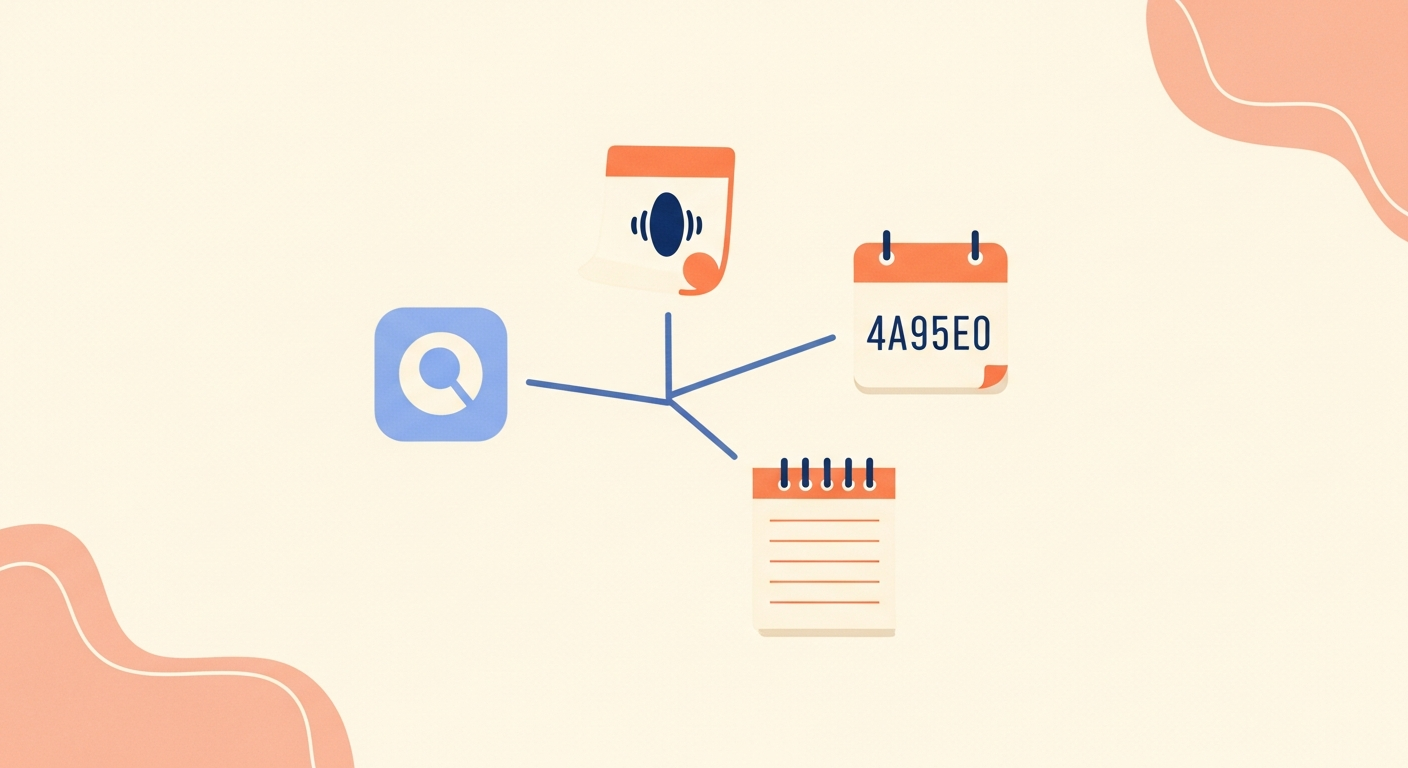
Enkily is live on the App Store for iOS. it's $7.99 a month or $69 a year, with a 7-day free trial.
common ways this breaks down
using too many capture tools. if you're still torn between three apps and a notebook, you've skipped step 1. pick one and stick with it, even if it's not perfect.
editing while capturing. if you're rephrasing a voice note to sound more organized, you've lost the speed advantage. say it messy. sort it never, or sort it automatically.
relying on memory to check the notes app later. a capture system that isn't searchable just moves the forgetting problem downstream. "I'll remember to look" is the same failure as "I'll remember the thought."
shame spiraling instead of re-capturing. if you forget to log something, or the system misses a thought, the fix is to capture the next one, not to spend ten minutes annoyed at yourself. the whole point of a low-friction system is that missing one doesn't cost you the next one.
the gap between having a thought and losing it is small, but it's the whole game. close it with one capture point, capture raw instead of typing, and make sure whatever you save can actually be found again later.