your head is spinning with seven errands, two missed emails, and an idea for a project you don't have time for. you grab a notebook to get it all out, fill two pages with unformatted scribbles, and now you have two problems: a buzzing brain and a messy page you'll never look at again.
this is the part nobody tells you about brain dumps. getting the thoughts out of your head is the easy half. the hard half, the part that actually requires executive function, is turning that page of scribbles into appointments you'll show up to and tasks you'll actually do. a brain dump only works for ADHD if the capture step is completely separate from the sorting step, and if the sorted output lands somewhere you'll actually look again.
why standard brain dumps fail ADHD brains
search "ADHD brain dump" anywhere online and you'll find a lot of the same thing: 65-page printable planners with priority matrices, color-coded columns, and cute daily trackers. there's a whole corner of Etsy selling kawaii brain dump note cards, specifically marketed at ADHD brains.
the printables aren't the problem. the timing is.
these templates ask you to organize while you unload. pick a column, assign a priority, choose a category, color-code it by urgency, all while you're mid-dump and your working memory is already maxed out. that's not one cognitive task, it's three stacked on top of each other, at the exact moment you have the least capacity for any of them.
so what actually happens: you fill the first page with real, useful, chaotic thoughts. then you hit the matrix page and stall, because deciding what's "urgent vs important" requires exactly the kind of executive function you ran out of three sentences ago. the planner gets abandoned half-finished, and the one page of genuinely useful scribbles goes with it, into a drawer, never looked at again.
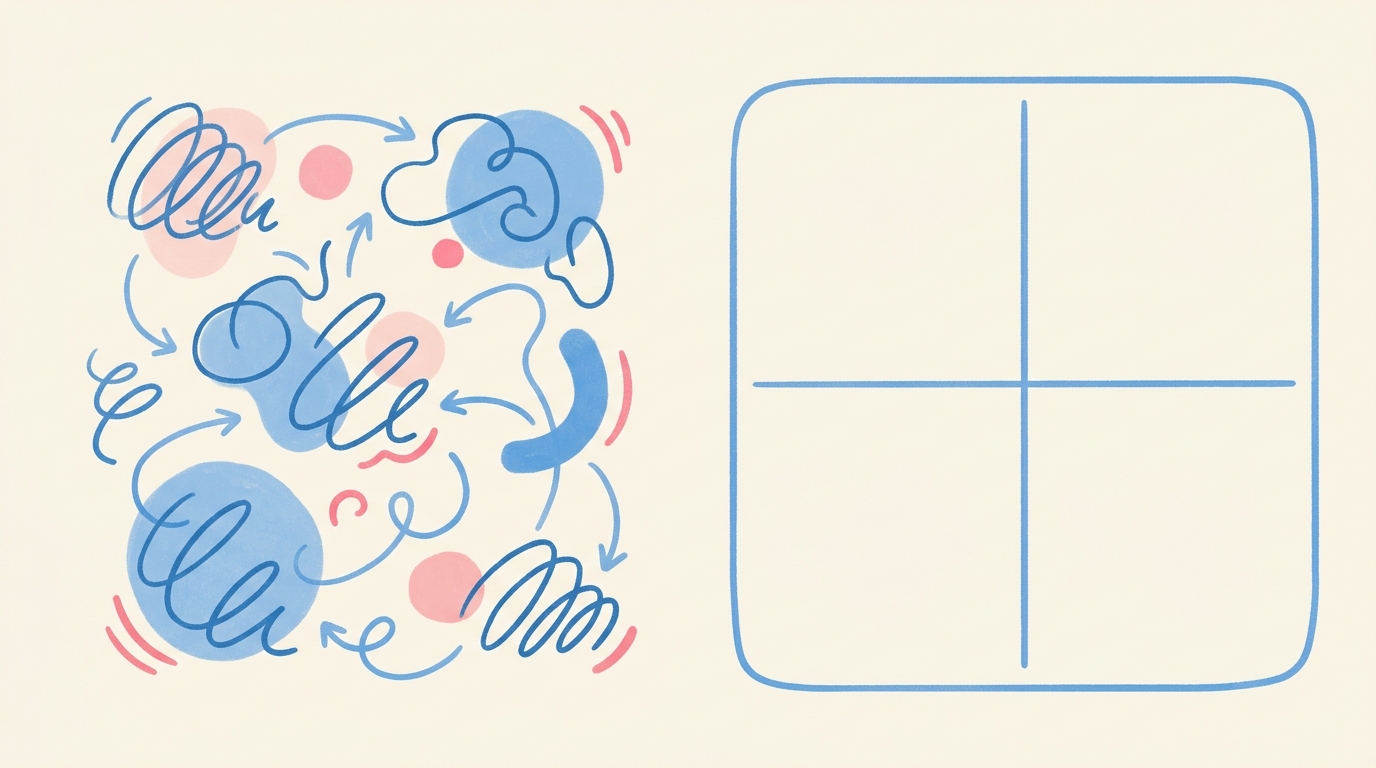
the ground rules: zero formatting during capture
before you write or say a single word, set these rules for yourself:
- no columns, no categories, no priority levels. not yet.
- run-on sentences are allowed. full stops are optional.
- don't stop to decide if something is a task, an appointment, or just a thought. that decision comes later, in a separate step.
- don't edit for grammar or order. if the dentist thought comes right after the grocery list thought, let it.
the entire point of this phase is friction removal. the second you introduce a decision ("is this a task or a note?") during capture, you've reintroduced the stall that killed the printable planner.
step 1: empty your working memory in one unstructured blast
set a timer for two or three minutes if that helps you start. then just go. don't stop to reread what you wrote. don't stop to fix a word. don't stop to think about order.
example output, unedited:
"need to call the dentist back they left a voicemail, also mom's birthday is coming up next month need a gift idea, pick up dry cleaning before friday, that article about magnesium and sleep i wanted to actually read, pay the storage unit before the 3rd or they charge a late fee, text sarah back about saturday, idea for the newsletter: what if i did a reader q&a issue, oil change is overdue probably by like 2 months now"
that's eight distinct things, in one breath, in the wrong order, with no punctuation to speak of. that's correct. that's what a real brain dump looks like. if it reads clean, you probably stopped to organize mid-sentence, which means you left something out.
step 2: split out dates and deadlines first
now go back through, but only looking for one thing: anything tied to a specific day, date, or deadline. pull those out first, before anything else, because missed appointments are the most expensive kind of forgetting.
before (buried in the dump):
"pay the storage unit before the 3rd or they charge a late fee"
after (pulled out, dated):
"storage unit payment, due by the 3rd"
before:
"text sarah back about saturday"
after:
"reply to sarah re: saturday plans, by thursday night"
this step is where most paper brain dumps quietly die. you wrote the storage unit thing down, which feels like progress, but it's still sitting on a page in a notebook instead of in a calendar with a reminder attached. the thought is captured. it is not yet somewhere it'll resurface on the right day.
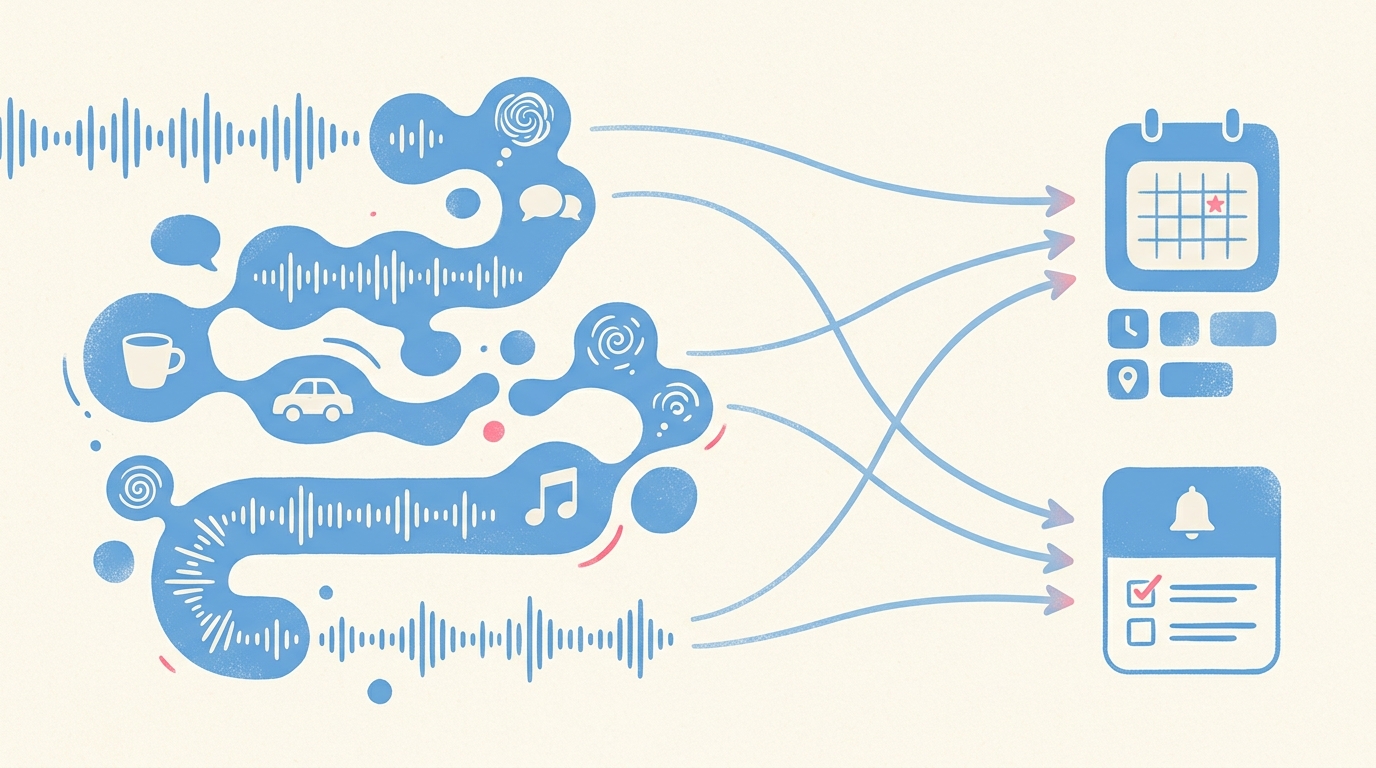
this is also the step that disappears almost entirely with enkily. you say the rambling paragraph once, out loud, the dentist and the storage unit and the oil change all tangled together, and enkily splits out anything date-shaped straight into Apple Calendar on its own. you don't do the before-and-after rewrite by hand. you just talk, and the triage happens for you.
step 3: isolate single-action tasks from vague projects
next pass: find the things that aren't dated but are still actionable. the trick here is turning a vague thought into a single concrete verb.
before:
"need a gift idea for mom's birthday"
after:
"brainstorm 3 gift ideas for mom"
before:
"oil change is overdue probably by like 2 months now"
after:
"call to book an oil change appointment"
notice the second version of each is something you could do in the next five minutes, without having to think further about what it even means. "gift idea for mom" is a vague cloud. "brainstorm 3 gift ideas" is a task with a start and an end. ADHD executive dysfunction thrives in the vague cloud version, because there's no clear entry point. a single verb and a bounded scope gives you somewhere to start.
if you don't want to do this rewriting by hand either, this is the other half of what enkily automates. the same 60-second ramble that produced the storage unit date also produces "call to book an oil change appointment" as a standalone reminder, sorted out from the stuff that was just a thought. you don't review the transcript and manually decide what's a task. it's already split by the time you look at your phone again.
step 4: store reference thoughts where they're searchable, not on paper
what's left after you've pulled out dates and tasks isn't nothing. it's often the most interesting stuff: ideas, things to read, half-formed plans. the magnesium and sleep article. the newsletter q&a idea. these aren't tasks you'll "do" on a given day. they're reference material you'll want back later, maybe in a week, maybe in three months.
this is exactly where paper brain dumps quietly fail a second time. you wrote "newsletter idea: reader q&a issue" on page 2 of a notebook back in March. in August, when you're actually planning next month's newsletter and trying to remember that idea, you have no way to find it. you'd have to flip through every notebook page you've filled since March, which you won't do, so the idea is effectively gone even though you technically "wrote it down."
a searchable note, even a basic one in an app, solves this. you type "newsletter" into search in August and the March idea comes back. that's the whole value: not that it's written down, but that it's findable later when you actually need it.
common brain dump traps to avoid
over-organizing during capture. the second you stop to pick a priority level or a category while you're still unloading, you've broken the one rule that makes brain dumps work for ADHD brains. capture first, sort after, always in that order.
letting the list sit unsorted for days. a brain dump that stays a flat wall of text is just a longer, harder-to-read version of the overwhelm you started with. the relief only comes from the split, not the capture. if it sits for a week, you'll have to reread and re-feel all of it before you can use any of it.
hoarding finished dump pages. once a page or note has been triaged, really pulled apart into dates, tasks, and reference notes, the original mess has done its job. keeping it "just in case" means you now have two records of the same thought to maintain, and the old one will drift out of sync with the new one.
the close
the actual skill in an ADHD brain dump isn't getting thoughts onto a page, most people can do that part fine under pressure. it's building a habit where capture and sorting stay two separate steps, and where the sorted version lands somewhere you'll actually see it again: a calendar, a reminder, a searchable note, not a drawer full of half-finished printables. get that split right once, even by hand, and you'll feel the difference immediately.
[APP_STORE_CTA]