you're mid-shower and think of three things: pay the electric bill, text your sister back, and the name of that restaurant your coworker mentioned. by the time you're dressed, you have zero of them.
this isn't a memory problem you can fix by trying harder. it's a working memory limit. and the fix isn't a better notebook or a new habit tracker — it's building a system that holds things so your brain doesn't have to.
an external working memory works when two things are true: capture is instant, and retrieval is just as easy as capture. most people solve half of that. they get good at writing things down and bad at ever finding them again. this guide is about building both halves.
what an external working memory actually replaces
working memory is the part of your brain that holds information active for a few seconds while you use it. it's not long-term memory. it's more like a mental sticky note, and it only has room for a few sticky notes at a time.
peer-reviewed research on ADHD consistently points to reduced working memory capacity as one of the core features, not a side effect. that means the three things you thought of in the shower were never going to survive the walk to your closet. it's not a discipline problem. it's a capacity problem.
an external working memory isn't about becoming more organized in some abstract sense. it's about taking the job your brain can't reliably do — holding information active until you act on it — and giving that job to something outside your head.
what you need before you start
you don't need color-coded folders or a system with rules. you need three things:
- one capture method that works with zero setup per thought
- one place things land automatically, without you filing them
- a way to search or ask later, so capture isn't a dead end
that's it. if your system needs more steps than that, the steps themselves become the reason thoughts get dropped.
step 1: pick a capture method with no friction tax
the method has to work with zero setup per thought. that rules out anything that requires opening an app, picking a list, and typing a title before you've said what you actually meant to say.
example: saying "pay electric bill by friday" out loud into your phone takes two seconds. opening a notes app, tapping new note, deciding which folder it goes in, and typing a title takes long enough that the next thought — the one about your sister — is already gone.
voice is usually the lowest-friction option because you can do it mid-task, mid-walk, mid-shower-thought. the goal isn't the fanciest tool. it's the one that costs you the least in the moment you're already at your limit.
step 2: say the whole messy thought, don't pre-sort it
don't decide the category before you capture. don't stop to think "is this a task or a note." just say the whole thing in one breath.
example: "pay electric bill by friday, text sarah back about saturday, look up the restaurant name jake mentioned."
pre-sorting is the step where ADHD brains drop the thought entirely. the moment you pause to categorize, you're asking working memory to do more work — hold the thought while also deciding where it goes. that's the exact task it's bad at. skip it. capture first, sort never (you shouldn't have to).
step 3: let the system split it into tasks, events, and notes
once you've said the messy thought out loud, something needs to take it apart. "pay electric bill by friday" is a task. "text sarah back" is a task with a different urgency. "look up the restaurant name" is a note, not a reminder — there's no due date, just a fact to retrieve later.
doing this split manually means opening reminders for the bill, opening messages to text sarah, and opening notes for the restaurant — three apps for one shower thought. that's the friction that kills the whole habit.
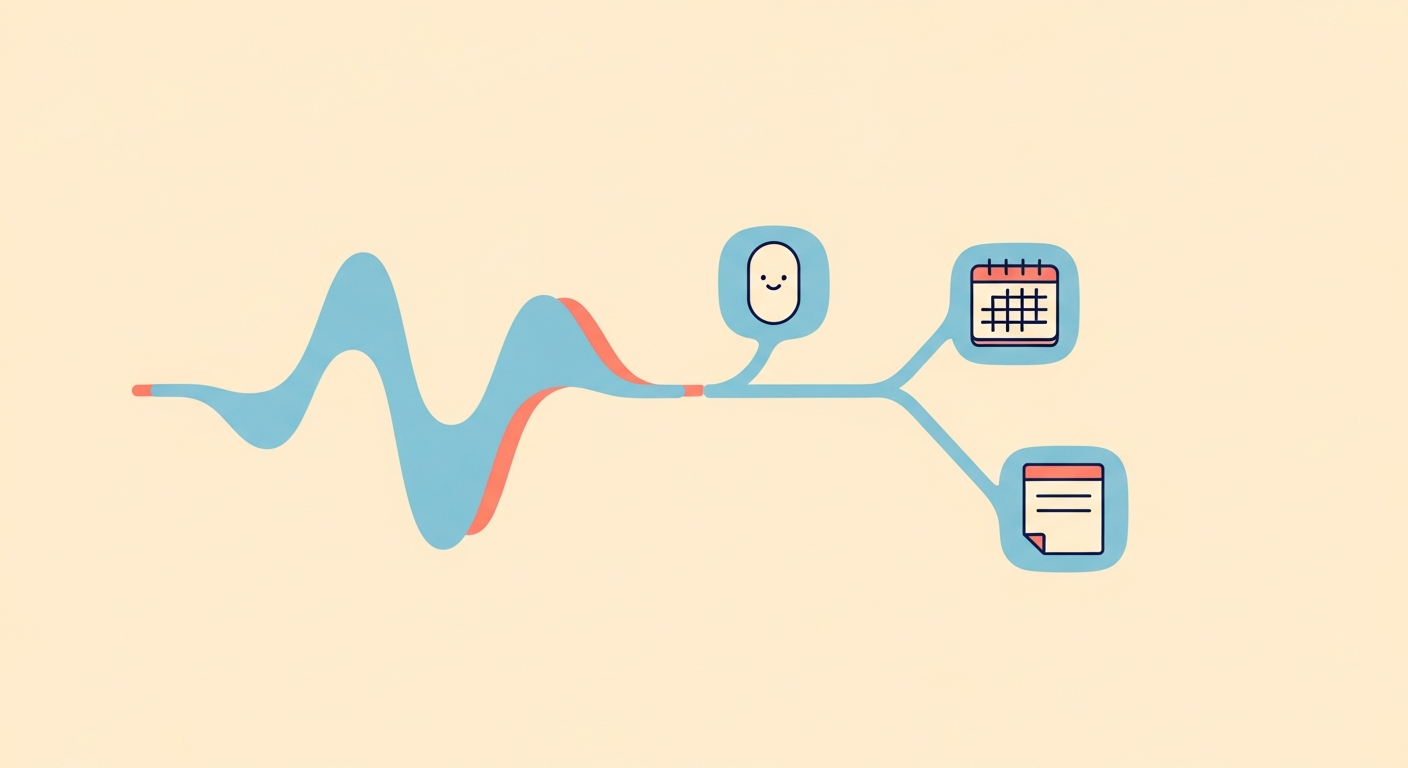
this is where enkily fits, as the automation of this exact step. you say the rambling sentence once. enkily splits it into a reminder, and sends it to apple reminders, sets a calendar event if there's a date and time attached, and saves the restaurant name as a searchable note. one capture in, sorted output out, no manual filing.
step 4: build a retrieval habit, not just a capture habit
capture without retrieval is just a graveyard of good intentions. the system only works if you can ask it later and get a real answer.
example: three weeks after that shower thought, you remember you were supposed to look something up but you can't remember what. the question you want to ask is "what did i say about the dentist?" — and you want the actual answer, not a scroll through fifty voice memos titled with timestamps or notes titled "untitled."
build the habit of asking, not just telling. if your system can only take input and never answer a question, you've built half a memory.
step 5: trust it enough to stop mentally rehearsing
this is the step people skip without realizing it. even after you've captured something, you keep repeating it in your head — "don't forget the bill, don't forget the bill" — because you don't fully trust the system yet.
that mental rehearsal is exactly the working memory cost you were trying to eliminate. the whole point of an external memory is that once it's captured, you get to let go of the loop.
example: you say the reminder out loud, it lands in apple reminders with a friday due date, and you stop thinking about the bill entirely until the reminder fires. that gap — the space in your head that used to hold "don't forget the bill" — is now free for whatever you're actually doing.
common ways this breaks down
- too many capture tools. notes app plus reminders plus sticky notes plus a notebook means the thought lands nowhere reliably. one capture method, every time, is what makes retrieval possible later.
- capturing but never checking back. if you never ask the system anything, it's not memory, it's storage. build the retrieval habit or the capture habit doesn't matter.
- over-engineering with folders and tags. every tag you have to pick, every folder you have to choose, is a decision step you're adding back in. decisions are the friction you're trying to remove.
- treating forgetting as a discipline failure. if you've built a system with these gaps, the forgetting isn't a you-problem. it's a system-problem. fix the system, not your effort.
an external working memory isn't a personality change. it's a small set of habits — capture without pre-sorting, let something else do the filing, ask it questions later, and let go once it's in. get those four things right and the shower thoughts stop disappearing by the time you're dressed.